
Included in the Website Subscription · $399/mo + $399 setup
Website maintenance services that take it completely off your plate
Hosting, security, backups, uptime monitoring, updates, fixes, and changes, handled every month by the same person who built your site. You never touch the technical side.

Sound familiar?
What's holding your website back
You're the one stuck updating plugins
Update notices pile up, and you're afraid that clicking "update" will break something. So you leave it, and your site gets slower and less secure every month.
Small changes take weeks
You need to change a phone number, add a team member, or update a service page. Your designer takes days to reply, or charges for every little thing.
You don't know who has the logins
Hosting with one company, the domain with another, a theme someone else bought. When something breaks, nobody knows where to start.
A hacked or broken site costs you trust
If your site is down or shows a security warning, people leave and go to a competitor. They don't come back to check if it's fixed.
What website maintenance includes

Hosting and domain, handled
I set up and manage your hosting and domain in accounts you own, so everything lives in one place and someone is always responsible for it.
Security updates every month
Your site's code and security stay up to date, with no plugin conflicts or paid add-ons to manage, and your site is protected from hackers.
Backups, handled
I handle your backups, so if anything ever goes wrong, your site gets restored, not rebuilt from scratch.
Uptime monitoring
I monitor your site around the clock, so if it goes down, I know right away and get it back up.
Changes and fixes on request
Add anything to your project board, from a typo to a new page. A completed task every 1 to 2 business days, with 1-hour replies during business hours.
Speed and performance
Slow sites lose people. I keep your pages fast and fix what slows them down.
Never think about the "website stuff" again
Most business owners don't want to manage a website. They want a website that works, looks current, and brings people in, without becoming a weekly chore.
That's what maintenance in the subscription is for. Hosting, security, backups, uptime monitoring, updates, fixes, and changes are all handled by me. You just tell me what you need.
Maintenance plus growth, not maintenance alone
Most maintenance plans keep a site running and nothing more. It stays safe, but it never gets better.
With the subscription, maintenance is the floor, not the ceiling. The same plan covers new content every month, new pages, and ongoing SEO for Google and AI search, so your site keeps getting found by more people while it stays secure and up to date.
How changes work
Every request goes on your own project board, from a new phone number to a whole new page. There's no limit on how many you add. I work through them in the order you choose, with a completed task every 1 to 2 business days, or a progress update on bigger ones.
Questions get an answer within an hour during business hours, Monday to Friday 9am to 7pm Eastern, Saturday and Sunday 9 to 11am and 3 to 6pm Eastern. I often reply nights and weekends too.
One person who knows your site
Because I built or rebuilt your site, I know how every part of it works. There's no new developer learning your setup every time something needs to change, and no account manager passing messages along. You talk to me, and I do the work.
Businesses I've done this for
- Summit TimberTom was too busy running his business to think about websites. I handled every technical detail, so he was online and worry-free in under 60 days.
- Kyle Compliance"I'm outsourcing the website stuff because… you're doing better than I could ever hope to do for any amount of money, like at a good price level right now."
How it works, step by step
Step 1: Put hosting and the domain in one place
I set up your hosting and domain, or take over the ones you have, so every login lives in one place and one person is responsible for all of it.
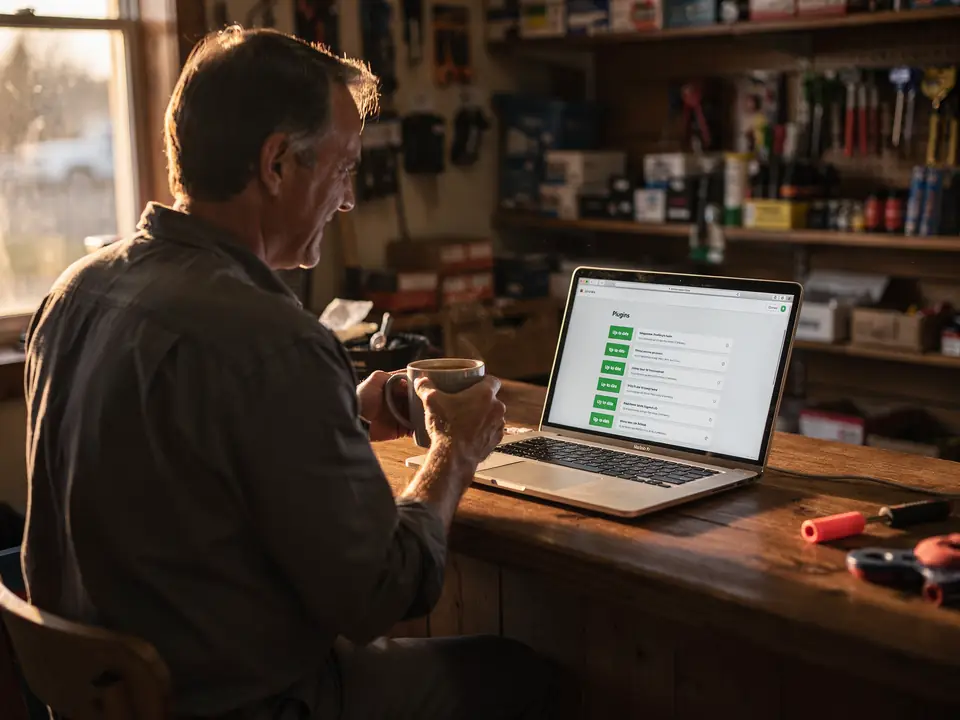
Step 2: Run the updates every month
Your site's code, security, and any tools get updated and checked every month. You never have to click "update" and hope nothing breaks.

Step 3: Watch security and uptime
Your site is protected from hackers and monitored around the clock. If it goes down, I'm alerted right away and get it back up.
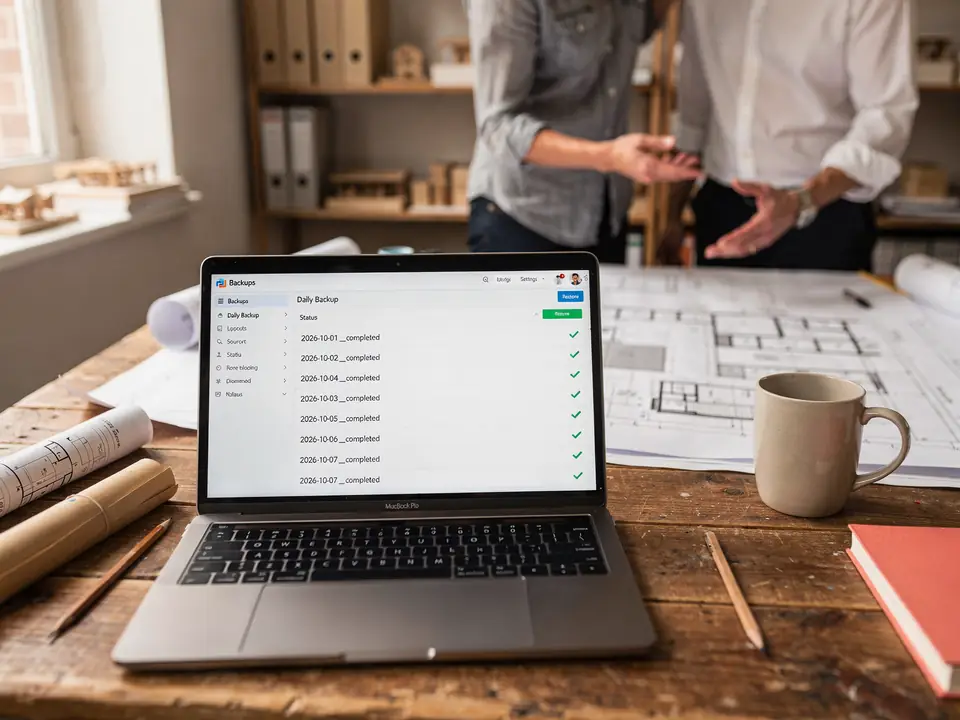
Step 4: Keep backups ready
I handle your backups either way. If I handle your hosting, every version is saved with its full history. If you stay with your current host, I make sure backups are running.
90-Day Performance Guarantee
More traffic in 90 days, or you get a 100% refund of everything except the $399 setup fee. I'd rather prove this works than ask you to take my word for it.
Applies once you've been subscribed for 3 consecutive months. Traffic is compared to your site's numbers before we started, measured in Google Analytics. Pausing before 3 months ends the guarantee.
Learn more from the blog
How To Make Your WordPress Site Secure: The Ultimate Guide
How to make your WordPress site secure: updates, strong logins, backups, security plugins, and hosting choices that keep hackers out.
Read post
Increasing WordPress Website Speed Without Plugins: 8 Essential Tips
You can increase WordPress website speed without plugins in multiple ways including choosing the right host. Click here to learn more.
Read post
How to Fix Bad Websites: 10 Common Problems & Their Solutions
Website design has increasingly become more accessible; however, designing and running your own website still poses many problems. Unfortunately, most website
Read post
Why Is Wix So Slow?
Why is Wix so slow? Click here to learn how to speed up your wix website. Slow Wix loading time can be losing you over 50% of your traffic!
Read post
Why A Website Won't Scroll & How to Fix it
Setting up a website can be tricky, especially when you need to think about navigation on your pages. Scrolling is essential to view more content on a web
Read post
10 Most Common Issues in Web Designing With Examples & Fixes
Web design and other tech jobs are taking over the workforce, and you may be wondering to yourself, “What’s the catch?” That is a great question, and the
Read post
Website Maintenance: common questions
How much does website maintenance cost?
Maintenance is part of the Website Subscription: $399 one-time setup, then $399/mo. That also includes your website design, copywriting, and ongoing SEO for Google and AI search, so you're not paying for upkeep on a site that isn't growing.
Can you maintain a website you didn't build?
Yes. On our first call, I'll look at your current site and tell you honestly whether it's worth maintaining as is or whether a redesign would serve you better.
What happens if my site goes down?
Uptime monitoring alerts me as soon as your site goes down, so I can get it back up fast. If anything does go seriously wrong, your backups mean it can be restored rather than rebuilt.
How do backups work?
Every version of your site is saved with a full history of changes, so I can roll back to any earlier version.
What happens to maintenance if I pause?
Your site stays online as is, but monthly care like code and security updates pauses too. It picks right back up when you return.
Do I keep my website if I cancel?
Yes, it's yours from day one. Your site lives in your own Cloudflare and GitHub accounts, and I work in them as an invited member. When you cancel, service runs to the end of the month you've paid for, and you remove my access whenever you want.
Also included in the subscription
Stop giving your clients away to competitors who show up first
Website, hosting, copywriting, SEO, and AI search in one plan for $399/mo plus a one-time $399 setup fee, backed by a 90-Day Performance Guarantee.